WEBTTD FIELD GUIDE
Build a railway for passengers or freight
Rail can move larger loads over longer distances, especially between industries—but it can also connect towns.
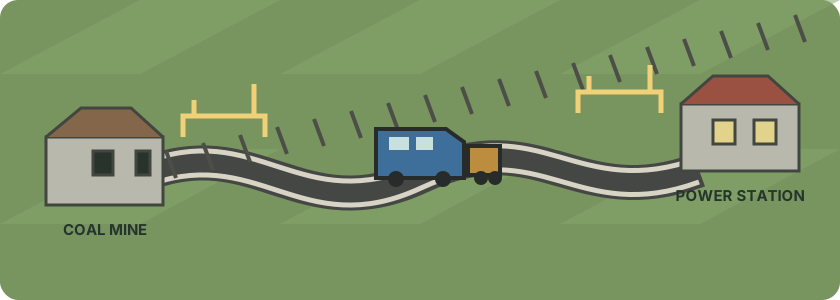
Railways are useful when a road vehicle would carry too little, or when an industry and its customers are far apart. A classic freight plan is a coal mine connected to a power station. Passenger trains can also link towns when you build passenger-capable stations and use a suitable train.
Plan the connection
- Find a source and destination. Open the Industry directory and inspect the industries you want to serve. For freight, verify that one produces the cargo and the other accepts it. For passengers, choose towns with useful station locations.
- Choose station sites. Place each station close enough to the industry or town to attract the cargo you want. Leave room for the track and a depot, and check construction previews before confirming.
- Connect the track. Open Railway construction from the toolbar. Pick a rail-building tool and drag track between the station approaches. Keep the track pieces connected; use the preview to spot gaps and estimate the cost.
- Build rail stations. Choose Station along X or Station along Y, then drag a rectangle where the platform should go. The station must connect to the railway and match the train route you plan to run.
- Build a rail depot. Choose Build rail depot and place it beside your company’s connected track. The depot connects its entrance to nearby company-owned rail when it is built.
- Buy a train. Open the rail depot and choose New Vehicles. Buy a locomotive compatible with the track, then add wagons suited to your cargo—or passenger coaches for a town service. Check the purchase and running costs before buying.
- Make and assign a route. Open Trains → List of rail routes → New route. Add the rail stations in the order the train should visit them and save. Open the train, choose Assign a route, select the new route, and choose Assign this route. Start the train from its vehicle window.
How rail differs from roads
- Trains need a continuous railway and rail stations; road vehicles need connected roads and road stops.
- Rail construction, stations, depots, locomotives, and wagons can require a larger up-front budget. Check the live cost preview and vehicle catalog instead of assuming every route has the same price.
- A train’s locomotive and wagons determine what it can carry. A coal train needs freight wagons that carry coal; a passenger service needs passenger capacity.
- Rail is often a good fit for long industry connections and bulk freight, but passengers can also travel between towns by train.
- Rail depots are for buying and managing trains; a road vehicle depot serves buses and trucks.
Check the station windows after construction. A well-connected line still needs compatible cargo, available station capacity, and a destination that accepts the delivery.